
Example of how Workzones and overlay-drafting aid efficient drafting and compact drawing files.
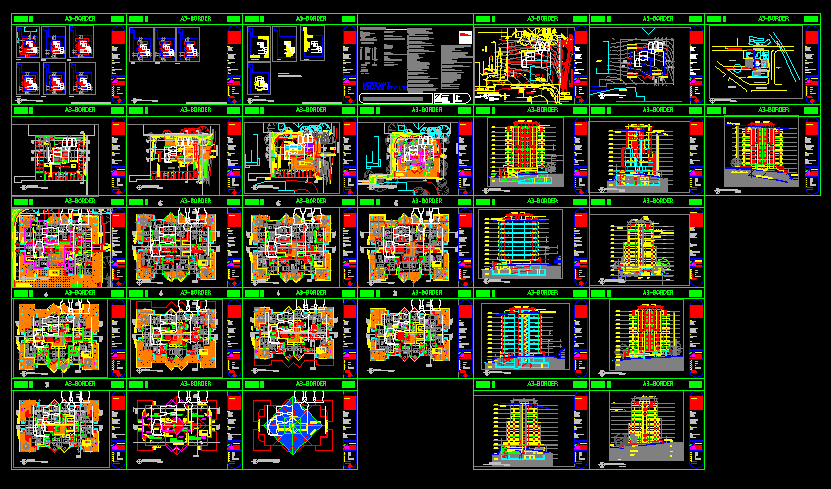
F11 – Go to Modelspace,
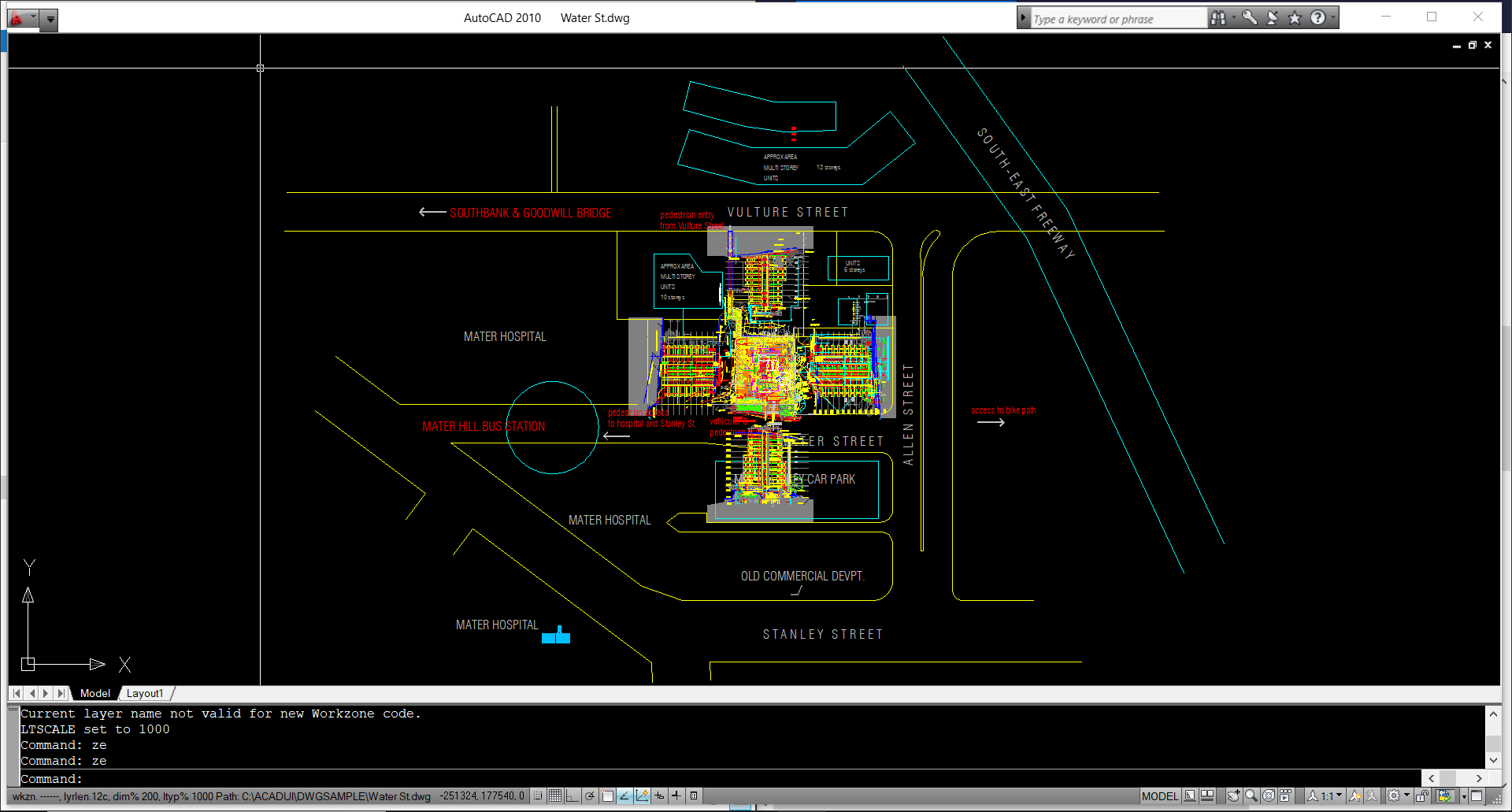
ZE – Zoom Extents to see all of the data revealed at one time.
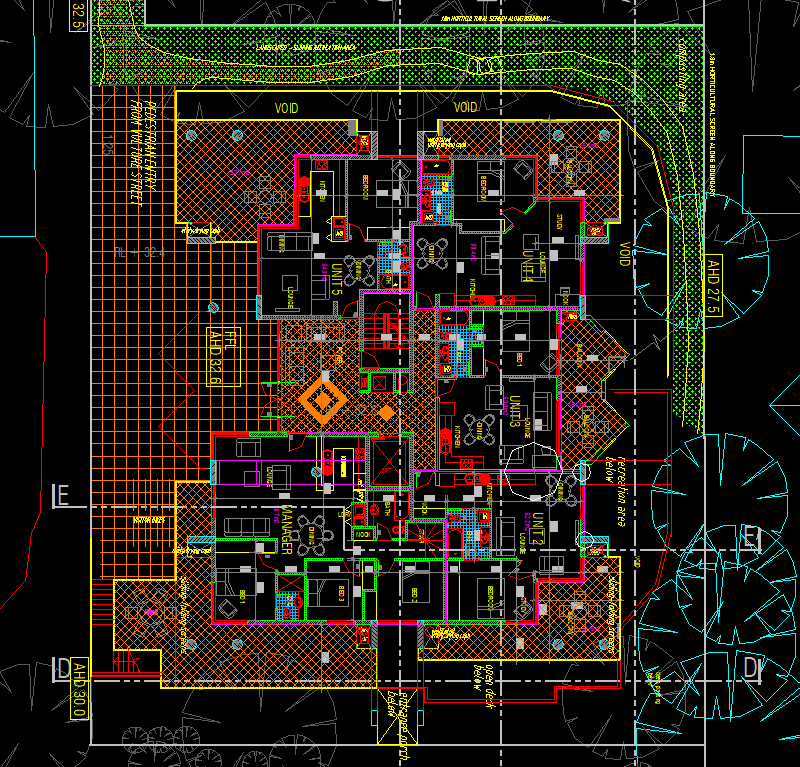
LR GP01 – to see just one floor plan.
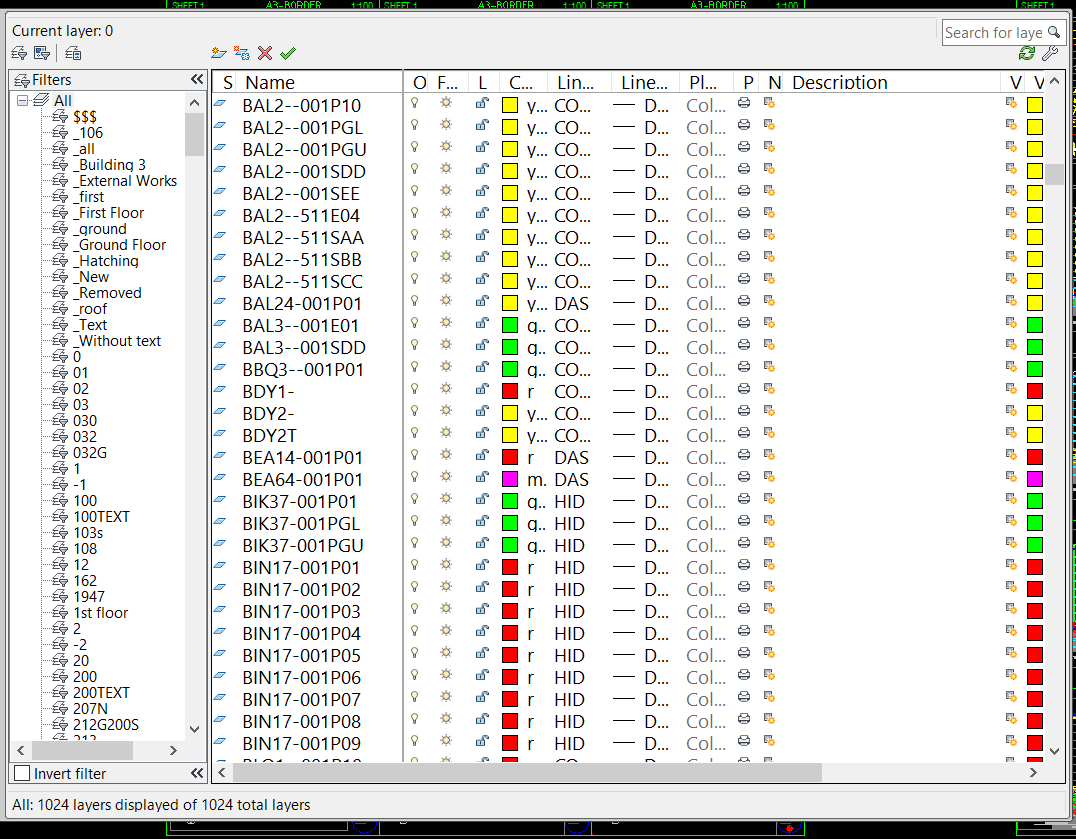
Look at the list of ViewPOrt layers below, notice the last six characters of each layer name. These are the LR options to reveal all of the different views. If you are opening an unfamiliar drawing these Viewport layers may be seen by using the MYCADKEYS command QZ Query workZones.
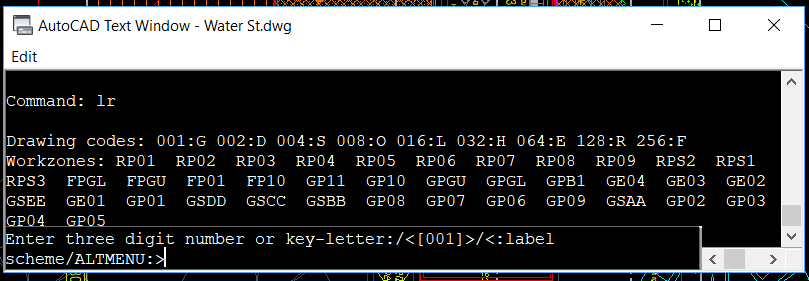
Or by using the AutoCAD layer dialogue box `L.
Footer menu
Open Footer menu configuration options