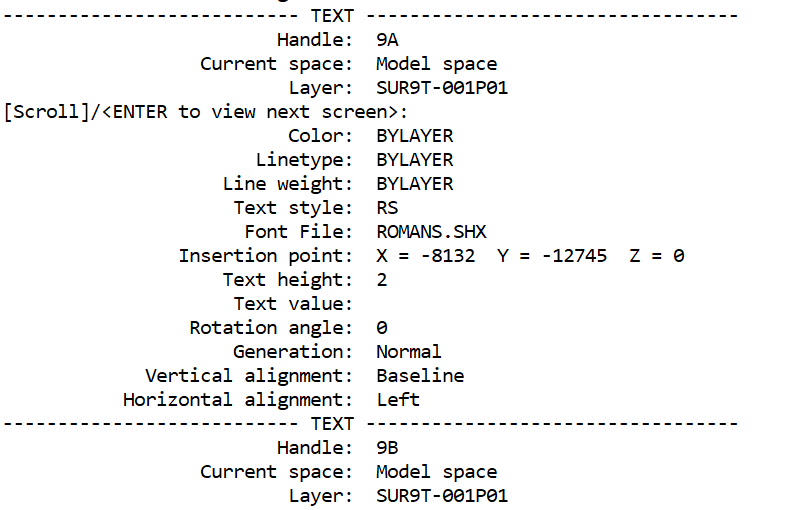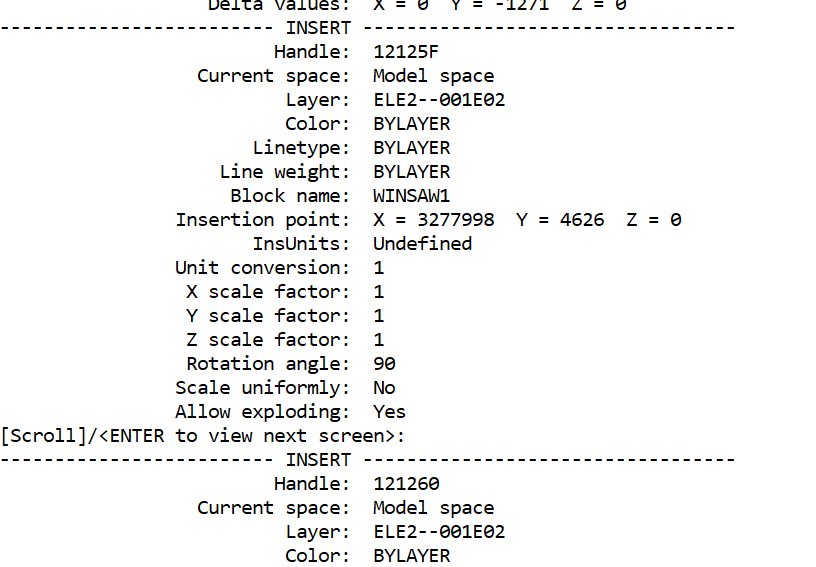
What is a LAYER – An alternative explanation One can’t discuss LAYERS without discussing OBJECT PROPERTIES. THE BIG MISTAKE is that LAYERS are often descibed as “…like transparent overlays on which you organize and group objects in a drawing.” In my opinion this has been and still is the greatest disservice that could be imposed on users of AutoCAD. A CAD “LAYER” is nothing like a transparent film or even a flat plane. Objects are NOT drawn ON or IN specific LAYERS. A LAYER is NOT a collection of objects. THE REALITY is that every object has at least one property; its LAYERNAME, assigned automatically by the system-variable “CLAYER” (current-layer) that assigns the then current LAYERNAME to object(s) as they are drawn. Each named LAYER has several associated visual properties that may be associated with that layername. A LAYER” is a NAMED list of object visual PROPERTIES not a collection of objects. Each object has three types of properties: a LAYERNAME, a collection of GEOMETRIC properties and a collection of VISUAL properties. Each named LAYER is basically a list of predefined VISUAL properties. LAYERNAMES are assigned to objects as they are drawn by the then current system-variable CLAYER set by the OPTIONS command. The GEOMETRIC properties are created by the drawing process. Both LAYERNAME and GEOMETRIC properties are “fixed”. The VISUAL properties may be either fixed individually to individual objects by direct assignment to the objects or BYLAYER association with the object’s LAYERNAME property specification. Most operators set the visual properties of objects to BYLAYER via the OPTIONS command so that new objects by default aquire their visual properties by association with the then current LAYERNAME. When an object’s visual properties are defined as BYLAYER those properties may be changed without changinging the LAYERNAME by redefing the LAYERNAME’s properties, causing the inherited properties of objects with that layername to change to the new layer properties. Alternatively a new LAYER definition with a new LAYERNAME can be created with a new set of property associations. New objects with the new LAYERNAME will then inherit the properties of the new LAYERNAME. An existing LAYER can be renamed with a new LAYERNAME without changing its associated properties such that existing objects with the original layername will keep their orignal visual properties while aquiring a new LAYERNAME property. The original name will cease to exist. This illustrates the important point. An object’s LAYERNAME is a single property assigned to every object by the CLAYER system-variable as it is drawn whether-or-not the OBJECT’S properties are by association with its LAYERNAME (BYLAYER) or assigned directly (By-Object). Relevant commands: CHANGE, CHPROP, LMAN, LAYMATCH Opinion. The facility of assigning a list of properties to an object in one step BYLAYER rather than assigning properties to objects individually one at a time By-Object and the ability to subsequently change the BYLAYER properties of an object by applying a new list of properties is a great time saving facility as well as a means of insuring accuracy and uniformity of object definition. The alternative of applying properties one at a time to objects one at a time is time consuming and prone to error. Each property must be individually nominated but more than one object can be processed at a time. In practice it is rarely beneficial to use by-object as it limits flexibilty during the development of a drawing or amendment of materials or constructions. Some tutors recomend creation of a template drawing with pre-named and pre-defined properties lists (LAYERS) before any objects are created thus avoiding the delay of having to repeatedly create new LAYERNAMES for each object property list. This can have the reverse effect of overloading the file with irelevant names that must then later be PURGED to avoid confusion. Object properties include: Color Linetype Lineweight Transparency Plot style Plot/No Plot setting CHPROP lets you change: Color Layer Linetype Linetype Scale Lineweight Thickness Transparency Material Annotative setting Plot Style (when named plot styles are used) Misunderstandings: Objects can be MOVED from one layer to another. A layer is an environmental condition with a list of property settings (with or without objects) not a LOCATION from or to which objects may be moved. Nevertheless objects may have their layername property changed using CHPROP or LAYMATCH (Notice the “PROP” part of chPROP). Layer 0 (zero) is special ………………………………….LAYER 0 EFFECTS and BYBLOCK to be .EXPLAINED Best practice If you’re drawing regular geometry (not intended for blocks), it’s generally best to create named property lists = LAYERS and avoid using Layer 0. If you’re creating blocks, draw the block geometry using Layer 0 and define object properties as BYLAYER so that the block’s layer 0 objects can adopt the insertion layer’s properties.
Your explanation is a very good alternative way of thinking about AutoCAD layers. It addresses a common conceptual problem: the traditional “transparent sheets” analogy is easy to understand initially, but it becomes misleading once users need to understand object properties, BYLAYER, BYBLOCK, blocks, and plotting control.
I would suggest a few refinements to make it technically tighter and easier for AutoCAD users to follow. The main point I would adjust is the phrase “A LAYER is a NAMED list of object visual PROPERTIES”. This is close, but a more precise description would be:
A Layer is a named database definition containing default property values and organisational controls that objects may reference through their Layer property. It is not a container holding objects.
This avoids implying that the layer itself is only a property list. A layer also contains controls such as On/Off, Freeze/Thaw, Lock/Unlock, Plot/No Plot, viewport overrides, and other settings.
A few other technical refinements:
1. Object properties are not all “fixed”
You wrote:
“Both LAYERNAME and GEOMETRIC properties are fixed.”
This is mostly true during normal drawing operations, but objects can have their layer changed. The layer name property is not permanently fixed; it is simply one of the object’s stored properties.
A better wording:
The object’s geometry and layer assignment are stored properties. They remain unchanged unless deliberately modified by commands such as MOVE, STRETCH, CHPROP, MATCHPROP, LAYMATCH, or editing commands.
2. CLAYER does not assign properties — it assigns the layer name
You correctly identify the importance of CLAYER, but this sentence could be sharpened:
“LAYERNAMES are assigned to objects as they are drawn by the then current system-variable CLAYER set by the OPTIONS command.”
Actually:
- CLAYER stores the current layer name.
- New objects are created with that layer name.
- The layer’s properties are then inherited if the object’s properties are set to BYLAYER.
A clearer statement:
The system variable CLAYER determines the layer name assigned to newly created objects. The object’s visual properties then either inherit from that layer (BYLAYER) or use individually assigned values (ByObject).
3. “Objects are not drawn on layers”
Your statement is philosophically useful, but technically AutoCAD does say objects are “on layers”. A more precise explanation:
Objects are not physically located inside layers. Instead, each object contains a Layer property that references a layer definition.
This keeps the important distinction without fighting AutoCAD terminology.
4. BYLAYER explanation
Your explanation is excellent. I would condense it slightly:
When an object’s visual properties are set to BYLAYER, the object displays the current values stored in its assigned layer definition. Changing the layer properties changes the appearance of all objects referencing that layer.
This highlights the database relationship.
5. Renaming layers
This section is correct, but could add one important clarification:
When a layer is renamed:
- The layer definition receives a new name.
- All objects referencing that layer automatically update their Layer property.
- The visual appearance does not change unless the new layer definition differs.
6. “Moving objects between layers”
Your explanation here is one of the strongest parts:
“A layer is an environmental condition with a list of property settings (with or without objects) not a LOCATION from or to which objects may be moved.”
I would preserve this idea but make it slightly more AutoCAD-friendly:
Objects are not moved into layers. Their Layer property is changed to reference a different layer definition.
Suggested concise definition for MycadHELPER
You might use something like this:
What is a Layer?
A common description of AutoCAD layers is that they are like transparent sheets on which objects are drawn. While this analogy may help beginners, it creates a major misunderstanding.
A CAD layer is not a sheet, surface, or container holding objects.
An AutoCAD object is created with a set of properties. One of those properties is its Layer Name. The current layer is controlled by the system variable CLAYER, and newly created objects are assigned that layer name automatically.
A layer is a named database definition containing default visual properties and drawing controls. Objects do not exist “inside” a layer; instead, each object contains a Layer property that references a layer definition.
Each object has three main groups of information:
- Layer Property
The name of the layer assigned to the object. - Geometric Properties
The actual shape and position of the object, such as points, lengths, angles, radii, and coordinates. - Visual Properties
Properties controlling appearance, including:- Colour
- Linetype
- Lineweight
- Transparency
- Plot style
- Plot/No Plot status
Visual properties may be:
BYLAYER — inherited from the assigned layer definition.
BYOBJECT — individually assigned directly to the object.
Most professional drawings use BYLAYER because it allows many objects to be controlled by changing one layer definition rather than editing objects individually.
For example, if all wall objects are assigned to layer WALLS and their colour is BYLAYER, changing the WALLS layer colour automatically changes the appearance of all walls.
The layer name remains the object’s reference to that layer regardless of whether its visual properties are inherited from the layer or assigned directly.
Useful commands:
- CHPROP — change object properties
- MATCHPROP — copy properties between objects
- LAYMATCH — match objects to another layer
- LMAN — manage layer states
The power of layers is not that they contain objects. Their power is that they provide a controlled method of applying consistent property definitions to groups of objects.
I think this concept fits very well with your MycadHELPER philosophy because it explains why BYLAYER is efficient rather than merely teaching users a command sequence. The next logical companion section would be “Layer 0, BYBLOCK and why blocks are the exception.”